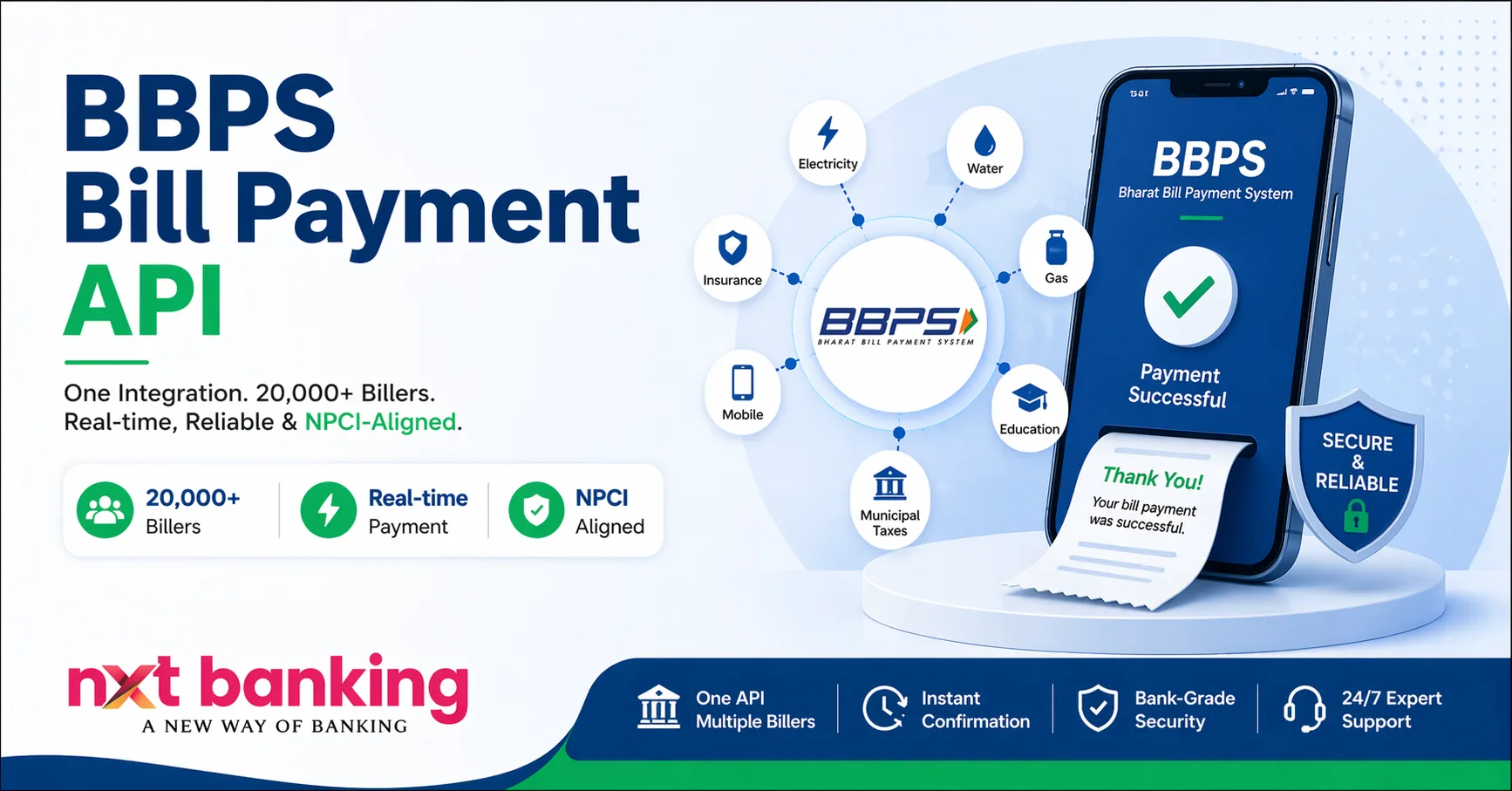
If you want to offer digital bill payment services, learning how to integrate BBPS API for bill payments is essential.
The BBPS API allows businesses to provide services like electricity bills, DTH recharge, mobile bills, gas payments, and more through a single platform.
With the growing demand for digital payments in India, businesses that integrate BBPS API for bill payments can generate consistent revenue and expand their fintech services.
Start BBPS services: API Marketplace
What is BBPS API?
BBPS API (Bharat Bill Payment System API) is a centralized platform that allows businesses to integrate multiple bill payment services into their system.
It is managed by National Payments Corporation of India and ensures standardized, secure, and real-time payments.
Official info: https://www.npci.org.in/what-we-do/bbps/product-overview
Why Integrate BBPS API for Bill Payments?
Businesses choose to integrate BBPS API for bill payments because:
- Offer multiple bill services in one platform
- Increase customer engagement
- Earn commission on every transaction
- Provide real-time payments
- Build scalable fintech solution
Requirements Before Integration
Before you integrate BBPS API for bill payments, you need:
1. Business Registration
Valid business and KYC
2. BBPS API Provider
➡️ https://nxtbanking.com/bbps-api
3. Developer Support
Technical team for integration
4. Secure System
Backend + database setup
5. Internet Connectivity
Stable connection required
Step-by-Step Process to Integrate BBPS API for Bill Payments
Step 1: Choose BBPS API Provider
Select a reliable provider with:
- High uptime
- Good support
- Secure API
Step 2: Get API Credentials
You will receive:
- API key
- Client ID
- Secret key
- API endpoints
Step 3: Study API Documentation
Understand:
- Request/response format
- Authentication
- Error codes
- Bill fetch & payment APIs
Step 4: Setup Development Environment
Prepare:
- Backend system
- UI for bill payment
- API request handling
Step 5: Integrate BBPS APIs
Key APIs include:
- Bill fetch API
- Payment API
- Transaction status API
Step 6: Test in Sandbox
Check:
- Bill fetch accuracy
- Payment processing
- Error handling
- Response time
Step 7: Go Live
After approval:
- Switch to live environment
- Start accepting payments
Features You Get After Integration
When you integrate BBPS API for bill payments, you can offer:
- Electricity bills
- Mobile recharge
- DTH recharge
- Gas payments
- Water bills
- Insurance payments
Explore more APIs:
API Marketplace
API Marketplace
Security & Compliance
BBPS ensures:
- Secure transactions
- NPCI regulation
- Data encryption
Learn more: UIDAI
Common Integration Challenges
- API errors
- Incorrect bill fetch
- Network issues
- Payment failure handling
- Compliance delays
Solution: Choose reliable provider + test properly
Benefits for Businesses
- Recurring income
- Customer retention
- High demand service
- Easy scalability
- Low operational cost
FAQs
How long does BBPS API integration take?
Usually a few days to weeks depending on provider.
Do I need technical knowledge?
Yes, or you need a developer team.
Is BBPS API profitable?
Yes, businesses earn commission per transaction.
Conclusion
Learning how to integrate BBPS API for bill payments is a powerful step toward building a successful fintech business.
With proper integration, security, and provider selection, you can offer reliable bill payment services and generate consistent revenue.
Get started today: API Marketplace
Code Samples: Integrating NxtBanking BBPS API End-to-End
Every code block below is a working call against the NxtBanking BBPS sandbox. Swap YOUR_API_KEY with the key you receive after sandbox sign-up, and YOUR_WEBHOOK_SECRET with the HMAC secret from your dashboard. All timestamps are UNIX epoch seconds.
1. Authenticate and fetch the biller catalogue
BBPS bill payments begin with a biller lookup. The biller catalogue lists every biller (by category), its customer parameters (e.g. consumer number, mobile), and its current status (ACTIVE, BLOCKED). Cache this response in Redis for at least 6 hours — it rarely changes.
curl -X GET "https://sandbox.nxtbanking.com/v1/bbps/billers?category=Electricity&status=ACTIVE"
-H "Authorization: Bearer YOUR_API_KEY"
-H "X-Client-Ref: nxtb-$(date +%s)-$RANDOM"
-H "Content-Type: application/json"
'https://sandbox.nxtbanking.com/v1/',
'timeout' => 10,
'headers' => [
'Authorization' => 'Bearer ' . getenv('NXTB_API_KEY'),
'X-Client-Ref' => 'nxtb-' . time() . '-' . bin2hex(random_bytes(4)),
],
]);
$response = $client->get('bbps/billers', [
'query' => ['category' => 'Electricity', 'status' => 'ACTIVE'],
]);
$billers = json_decode($response->getBody()->getContents(), true)['data'];
foreach ($billers as $b) {
echo "{$b['billerId']} {$b['name']} ({$b['customerParams'][0]['name']})n";
}
# Python 3.10+
import os, time, uuid, requests
resp = requests.get(
"https://sandbox.nxtbanking.com/v1/bbps/billers",
params={"category": "Electricity", "status": "ACTIVE"},
headers={
"Authorization": f"Bearer {os.environ['NXTB_API_KEY']}",
"X-Client-Ref": f"nxtb-{int(time.time())}-{uuid.uuid4().hex[:8]}",
},
timeout=10,
)
resp.raise_for_status()
for b in resp.json()["data"]:
print(b["billerId"], b["name"], b["customerParams"][0]["name"])
// Node.js 18+ (native fetch)
const ref = `nxtb-${Date.now()}-${Math.random().toString(36).slice(2,10)}`;
const res = await fetch(
'https://sandbox.nxtbanking.com/v1/bbps/billers?category=Electricity&status=ACTIVE',
{ headers: {
Authorization: `Bearer ${process.env.NXTB_API_KEY}`,
'X-Client-Ref': ref,
} }
);
const { data: billers } = await res.json();
billers.forEach(b => console.log(b.billerId, b.name));
### 2. Fetch the current bill amount
The bill-fetch call takes the biller ID and the customer parameters (from the catalogue), and returns the current outstanding bill. Store the billFetchRef — you pass it into the payment call so BBPS can track the fetch-pay pair.
# cURL — bill fetch for an MSEDCL customer
curl -X POST "https://sandbox.nxtbanking.com/v1/bbps/bill/fetch"
-H "Authorization: Bearer YOUR_API_KEY"
-H "Content-Type: application/json"
-d '{
"billerId": "MSEDCL00NAT01",
"customerParams": [
{"name": "Consumer Number", "value": "123456789"}
],
"amountOptions": "EXACT"
}'
{
"status": "SUCCESS",
"billFetchRef": "BF5c3b7d2a9e41",
"bill": {
"customerName": "Ramesh Sharma",
"billDate": "2026-03-28",
"billNumber": "INV-2026-0300451",
"dueDate": "2026-04-15",
"billAmount": 234500,
"billAmountCurrency": "INR_PAISE"
}
}
**Tip:** billAmount is always in paise (₹1 = 100 paise) to avoid floating-point rounding errors. Divide by 100 only at the display layer.
### 3. Pay the bill
// PHP — pay the bill we just fetched
$payment = $client->post('bbps/bill/pay', [
'json' => [
'billFetchRef' => 'BF5c3b7d2a9e41',
'amount' => 234500, // paise
'paymentMode' => 'ACCOUNT', // or UPI | CARD | WALLET
'paymentRef' => 'PAY-' . uniqid(),
'remitter' => [
'name' => 'Ramesh Sharma',
'mobile' => '9900112233',
],
],
]);
$result = json_decode($payment->getBody(), true);
if ($result['status'] === 'SUCCESS') {
// Store $result['txnRefId'] against your order.
// A webhook (see below) will fire the terminal status async.
}
### 4. Verify webhook signatures
NxtBanking signs every webhook with HMAC-SHA256 over the raw request body. Reject any request whose signature doesn’t match — this is the single most common integration bug.
// PHP webhook verifier — put this ahead of any JSON decode.
$raw = file_get_contents('php://input');
$header = $_SERVER['HTTP_X_NXTB_SIGNATURE'] ?? '';
$mac = hash_hmac('sha256', $raw, getenv('NXTB_WEBHOOK_SECRET'));
if ( ! hash_equals($mac, $header) ) {
http_response_code(401);
exit('invalid signature');
}
$event = json_decode($raw, true);
// event.type ∈ { bill.paid, bill.failed, bill.pending }
// event.data.txnRefId, event.data.billerRefId, event.data.amount
# FastAPI webhook handler
import hashlib, hmac, os
from fastapi import FastAPI, Request, HTTPException
app = FastAPI()
SECRET = os.environ["NXTB_WEBHOOK_SECRET"].encode()
@app.post("/webhooks/bbps")
async def bbps_webhook(req: Request):
body = await req.body()
sig = req.headers.get("x-nxtb-signature", "")
want = hmac.new(SECRET, body, hashlib.sha256).hexdigest()
if not hmac.compare_digest(sig, want):
raise HTTPException(401, "invalid signature")
evt = await req.json()
# dispatch based on evt["type"]
return {"ok": True}
### 5. BBPS response codes you must handle
CodeMeaningTypical causeRetry?
00SUCCESSHappy path—
BFR-ERR-0001Biller unavailableBiller system downYes, after 30 s
BFR-ERR-0003Invalid customer paramsWrong consumer number / plateNo — surface to user
BPR-ERR-0018Bill already paidIdempotency conflictNo — treat as success
BPR-ERR-0200Partial payment not allowedBiller requires EXACTNo — surface
TXN-PENDPending at billerBiller slowNo — wait for webhook
### 6. Reconciliation — daily MIS
# Pull yesterday's settlement MIS as CSV
curl -X GET "https://sandbox.nxtbanking.com/v1/bbps/reports/settlement?date=2026-04-22"
-H "Authorization: Bearer YOUR_API_KEY"
-H "Accept: text/csv"
-o bbps-settlement-2026-04-22.csv
Reconcile the CSV against your internal ledger daily. The bbpsTxnId column is the NPCI-blessed transaction ID, and settlementStatus is one of SETTLED, PENDING, REVERSED. Any PENDING row older than T+2 is an ops alert.
### Next steps
- [Full BBPS API Integration Guide](/bbps-api-integration-guide/) — architecture deep dive + schema definitions
- [How BBPS Works — Technical Deep Dive](/how-bbps-works-technical-deep-dive/) — NPCI flow, settlement timeline
- [Book a live demo](/demo/) — we’ll walk through a sandbox integration end-to-end