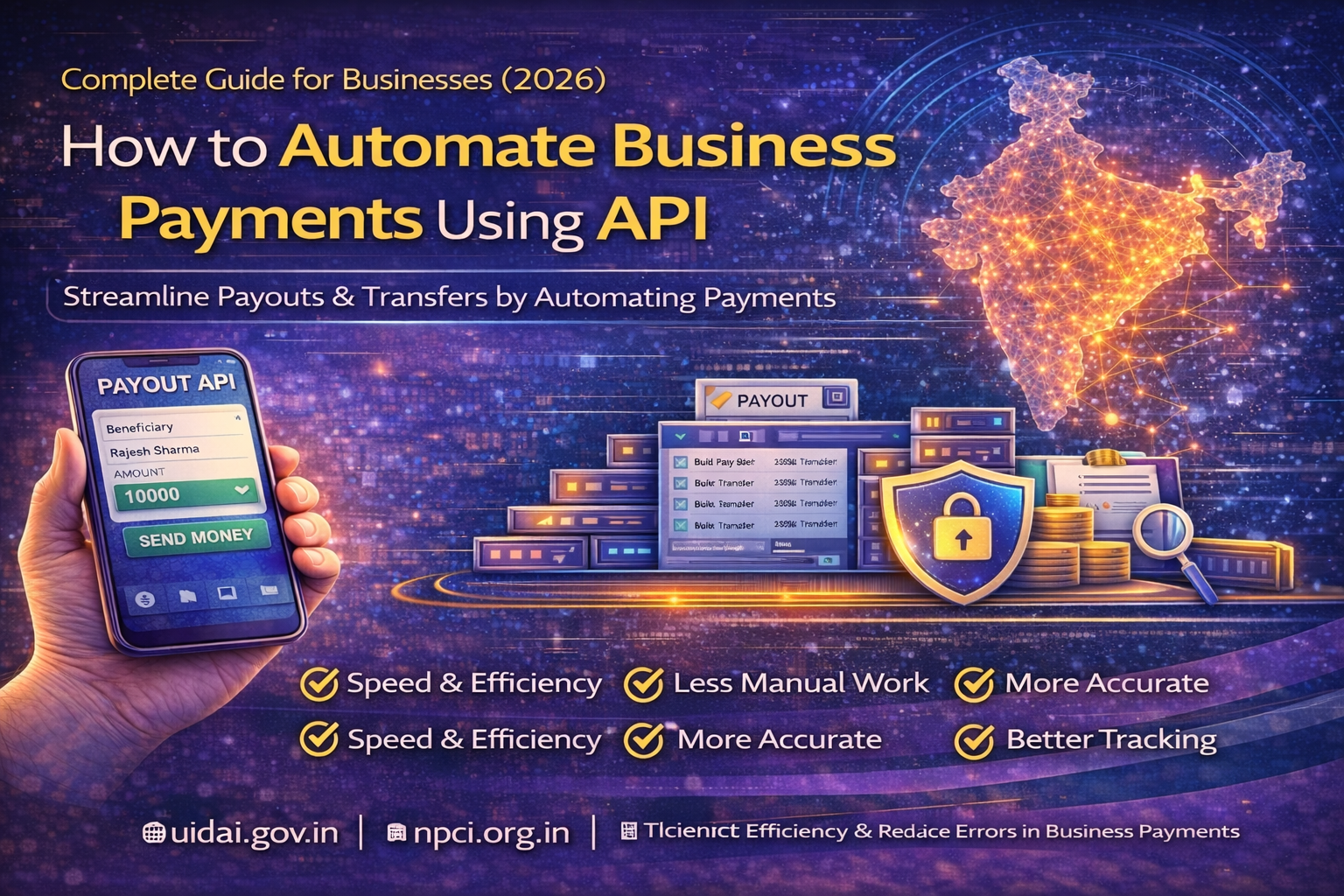
How to Automate Business Payments Using API: Complete Guide (2026)
If your business handles frequent vendor payments, salary disbursements, refunds, incentives, or commission payouts, learning how to automate business payments using API can save time, reduce manual errors, and improve operational efficiency.
In India, businesses are increasingly using API-based payment systems to move from spreadsheets and manual bank transfers to faster, secure, and scalable workflows. When you automate business payments using API, you can trigger payments programmatically, track transaction status in real time, and build a more reliable finance process.
Inbound Link:
https://nxtbanking.com/dmt-api
What Does It Mean to Automate Business Payments Using API
To automate business payments using API means connecting your software, website, app, ERP, or internal finance system with a payment or payout API so payments can be initiated automatically instead of being processed manually one by one.
This can include:
- Vendor payments
- Employee salaries
- Cashback and rewards
- Partner commissions
- Refund processing
- Distributor settlements
- Loan disbursement
- Bulk payouts
Instead of logging into a bank portal every time, your system can send payment requests directly through API integration.
What is a Payment or Payout API
A payout API is a software interface that helps businesses transfer funds to bank accounts, UPI IDs, or wallets through automated workflows.
It usually supports:
- IMPS payouts
- NEFT payouts
- RTGS payouts
- UPI transfers
- Bulk disbursements
- Status tracking
- Beneficiary verification
These systems work with banking rails and payment networks such as those governed by National Payments Corporation of India.
https://www.npci.org.in/
https://www.rbi.org.in/
Why Businesses Want to Automate Payments
Reduce Manual Work
Manual payment processing takes time and increases dependency on teams for repetitive tasks.
Improve Accuracy
Automation reduces the chance of entering the wrong amount, account number, or beneficiary details.
Speed Up Operations
Payments can be triggered instantly or in batches without waiting for manual approval at every step.
Better Tracking
Businesses get real-time visibility into payment status, success, failure, and settlement reports.
Scale More Easily
As the number of vendors, partners, or customers grows, API automation makes it easier to manage higher transaction volumes.
Common Business Use Cases for Payment Automation
Vendor Payments
Pay suppliers, contractors, and service providers on schedule.
Salary and Payroll Processing
Automate salary transfers for employees and contract staff.
Refund Automation
E-commerce and service platforms can send refunds automatically after cancellation or return approval.
Commission Disbursement
Fintech, reseller, and affiliate businesses can automate payouts to agents and partners.
Cashback and Rewards
Platforms can credit users or merchants without manual intervention.
Loan and Insurance Disbursement
Lenders and insurers can automate approved payouts to customers.
https://nxtbanking.com/bbps-api
https://nxtbanking.com/aeps-api-provider
Core Components Required to Automate Business Payments Using API
Payment Trigger System
This is the business logic that decides when a payment should happen.
Examples:
- invoice approved
- salary date reached
- refund request approved
- commission cycle completed
- settlement generated
Beneficiary Management
Before making payments, your system should store or verify beneficiary information such as:
- bank account number
- IFSC code
- account holder name
- UPI ID
- wallet details
API Integration Layer
This is the backend system that sends payment requests to the payout provider.
It handles:
- authentication
- request creation
- payment submission
- status tracking
- webhook handling
Approval Workflow
Businesses often need internal approval before releasing money.
Examples:
- finance approval
- manager approval
- compliance review
- threshold-based approval rules
Reporting and Reconciliation
Every automated payment system should include reporting for:
- successful payouts
- failed payouts
- pending transactions
- reversal cases
- settlement matching
Step-by-Step Process to Automate Business Payments Using API
Step 1: Define Your Payment Use Cases
Before integration, decide which payment processes you want to automate.
Examples:
- vendor disbursement
- payroll
- refund payouts
- commissions
- settlement transfers
This helps define API flow, approval rules, and dashboard requirements.
Step 2: Choose a Reliable Payout API Provider
To automate business payments using API, you need a provider with stable infrastructure and clear documentation.
Check for:
- API uptime
- payout methods supported
- bulk payout capability
- sandbox access
- webhook support
- status API
- security standards
- support quality
Inbound Link:
https://nxtbanking.com/contact
Step 3: Map Your Payment Workflow
Create a clear process for how money should move inside the system.
A typical workflow may look like:
- Payment event is created
- Beneficiary is selected or verified
- Amount is checked
- Approval rule is applied
- API request is triggered
- Transaction reference is stored
- Status is tracked
- Final result is logged
This planning step is important before development begins.
Step 4: Set Up Beneficiary Verification
Your system should verify or validate beneficiary details before sending funds.
This helps reduce:
- failed transfers
- wrong account payouts
- support disputes
- reversal issues
Many providers offer account verification APIs for this step.
Step 5: Build the API Integration Layer
The backend integration should handle:
- API authentication
- beneficiary data mapping
- payout request submission
- error handling
- status polling
- webhook reception
- logging and reconciliation
This is the core step when you automate business payments using API.
Step 6: Add Approval Logic
Not all payments should go directly from system trigger to bank transfer.
A good business payment system may include:
- one-level approval
- two-level approval
- maker-checker system
- role-based approval for high-value transfers
This helps maintain control while still keeping the workflow automated.
Step 7: Integrate Payment Status Tracking
Every payout should have a unique transaction reference and final status.
Your system should support:
- success status
- failed status
- pending status
- reversal or refund status
If the provider supports callbacks or webhooks, use them for real-time updates.
Step 8: Build Dashboard and Reports
Finance and operations teams need visibility into every payment.
Dashboard sections may include:
- total payouts processed
- success and failure count
- beneficiary history
- pending payout queue
- reconciliation report
- downloadable statements
Step 9: Test in Sandbox Environment
Before going live, test realistic use cases such as:
- valid payout request
- invalid beneficiary details
- failed transfer
- pending status
- duplicate request handling
- webhook update
- approval rejection
- bulk payout processing
Testing helps ensure that your automated payment flow works safely.
Step 10: Go Live and Monitor Continuously
After launch, monitor:
- payout success rate
- average processing time
- failed payout reasons
- settlement reports
- duplicate prevention
- webhook reliability
- approval turnaround time
Automation should reduce manual work, but monitoring is still essential.
Types of Payment Automation Businesses Can Use
Scheduled Payments
Payments happen automatically on fixed dates, such as monthly vendor bills or salaries.
Event-Based Payments
Payments happen when a business event occurs, such as order cancellation, incentive release, or settlement closure.
Bulk Payment Automation
Used when businesses need to pay many recipients at once.
Examples:
- payroll
- partner commissions
- refunds
- merchant settlements
Rule-Based Payments
Payments are released only when defined rules are satisfied.
Examples:
- invoice approved
- KYC completed
- threshold amount matched
- risk flag cleared
Benefits of Automating Business Payments Using API
Faster Processing
Payments can be initiated instantly without manual entry.
Lower Operational Cost
Reduces dependency on repetitive human workflows.
Better Accuracy
Minimizes human error in account details and amounts.
Improved Compliance and Traceability
All actions can be logged and audited.
Stronger User and Partner Experience
Vendors, employees, and customers receive funds faster and more reliably.
Better Cash Flow Visibility
Finance teams get centralized payment reports and tracking.
Security Measures to Implement
If you want to automate business payments using API safely, security must be a priority.
Strong API Authentication
Use secure credentials, tokens, and restricted server access.
HTTPS Encryption
All request and response traffic should be encrypted.
Role-Based Access Control
Only authorized staff should approve or manage payouts.
Maker-Checker System
Separate initiation and approval where required.
Audit Logs
Store logs for every payment action, approval, status change, and API response.
Duplicate Payment Prevention
Use unique reference IDs and idempotent logic to prevent repeated disbursement.
Beneficiary Validation
Verify account details before live payout to reduce errors and fraud.
Common Challenges in Payment Automation
Incorrect Beneficiary Data
Wrong account details can cause failed or misdirected payments.
API Downtime
Provider-side issues may delay transfers.
Pending Status Handling
Some payments may not complete instantly and need final confirmation later.
Reconciliation Complexity
Finance teams must still match payout records with settlement and bank reports.
Approval Delays
If internal approval rules are poorly designed, automation benefits may reduce.
Compliance Requirements
Businesses must maintain logs, approvals, and data protection standards.
Best Practices for Businesses
Start with High-Volume Repetitive Payments
Automate the workflows that currently consume the most time.
Use a Separate Approval Layer
Do not combine payment logic and approval logic in an uncontrolled way.
Track Every Payment Reference
Make sure every transaction can be traced easily.
Keep Manual Override for Exceptions
Some edge cases still need human review.
Reconcile Daily
Automation should be supported by a daily finance reconciliation process.
Monitor Failure Patterns
Look for repeated issues such as invalid accounts, API timeout, or webhook failures.
Who Should Automate Business Payments Using API
This model is ideal for:
- fintech companies
- marketplaces
- payroll providers
- lending platforms
- insurance companies
- e-commerce businesses
- B2B platforms
- distributor and reseller networks
FAQs
What does it mean to automate business payments using API
It means using API integration to trigger and manage payouts automatically instead of processing them manually.
What payments can businesses automate
Businesses can automate salaries, vendor payments, refunds, commissions, settlements, rewards, and bulk disbursements.
Is API-based payment automation secure
Yes, if implemented with proper authentication, encryption, access control, logging, and beneficiary verification.
Do small businesses also need payment automation
Yes, even small businesses benefit because automation reduces manual work, improves speed, and lowers payment errors.
Conclusion
Learning how to automate business payments using API helps businesses move from manual, slow, and error-prone disbursement processes to faster and more scalable payment operations. With the right payout API, approval workflow, security measures, and reconciliation system, businesses can improve efficiency and create a more reliable financial process.
As digital operations continue to grow, API-based payment automation will become an essential part of modern business infrastructure.