
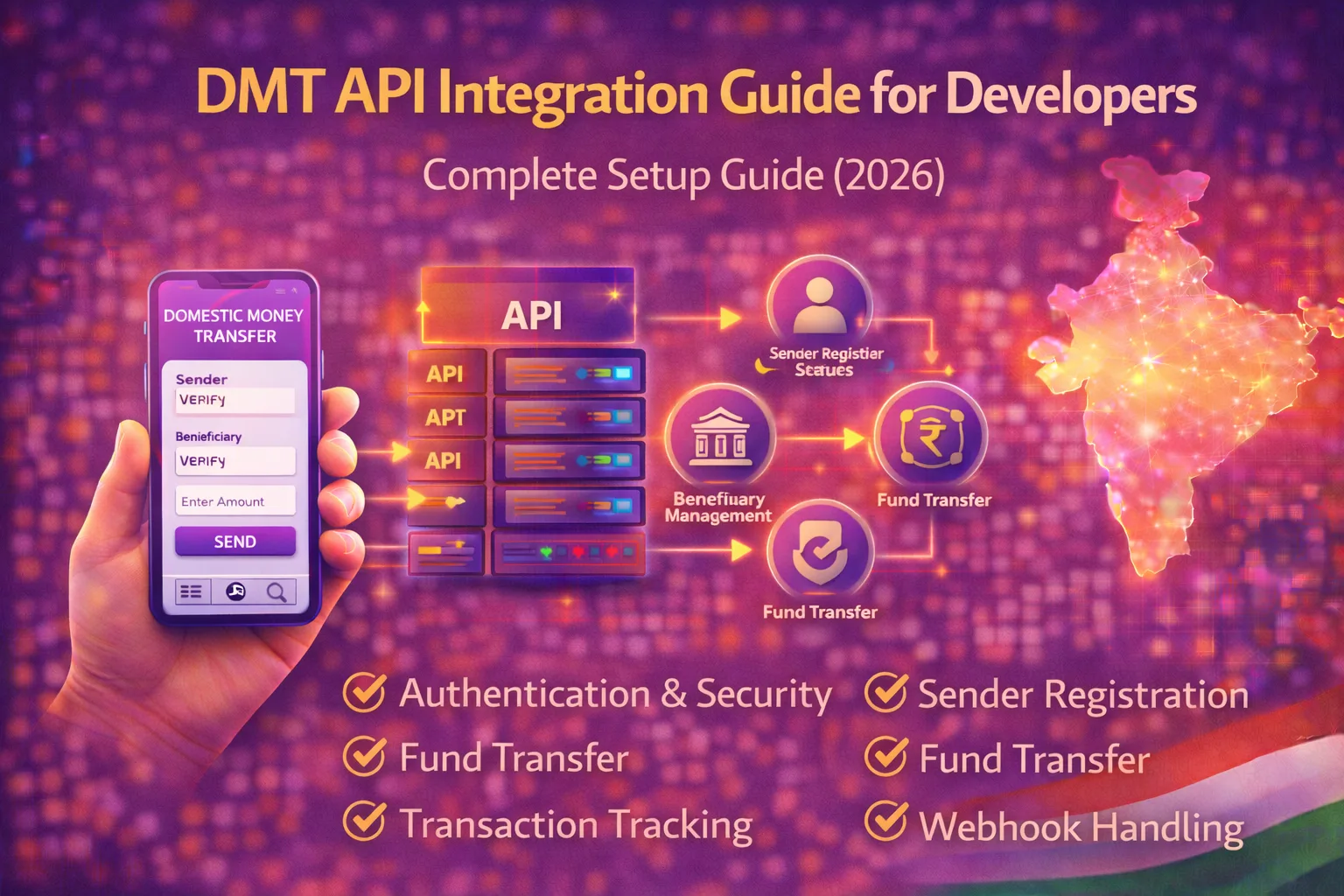
This DMT API integration guide for developers is designed to help technical teams understand how to connect domestic money transfer services into apps, websites, and fintech platforms.
As digital fund transfer services continue to grow in India, developers are increasingly required to build secure and scalable money transfer systems. A well-planned DMT API integration allows businesses to offer services like beneficiary registration, account verification, instant transfer, and transaction tracking.
For fintech products, retailers, and payment platforms, following a structured DMT API integration guide for developers helps reduce integration errors and improves launch speed.
Inbound Link:
https://nxtbanking.com/dmt-api
What is DMT API
DMT API stands for Domestic Money Transfer API. It is a system that allows businesses to initiate and manage bank-to-bank money transfers through digital platforms.
These APIs typically support transfer methods such as:
- IMPS
- NEFT
- RTGS
A DMT API usually provides endpoints for:
- Sender registration
- Beneficiary addition
- Bank account verification
- Fund transfer
- Transaction status check
- Refund or reversal tracking
Outbound Links:
NPCI
Reserve Bank of India
Why Developers Need a Proper DMT API Integration Guide
Money transfer systems are sensitive because they involve financial data, regulatory requirements, and user trust. A simple coding mistake can create failed transactions, duplicate requests, incorrect settlements, or security risks.
A proper DMT API integration guide for developers helps you:
- Understand the API flow clearly
- Handle authentication correctly
- Map request and response codes properly
- Reduce failed transactions
- Build secure and scalable architecture
Core Components of DMT API Integration
Sender Registration Module
Before initiating transfers, many DMT systems require sender onboarding with mobile number and KYC details.
This module usually handles:
- Sender mobile number registration
- OTP verification
- Basic identity details
- KYC status checking
Beneficiary Management Module
Beneficiary management allows users to add bank accounts where money will be transferred.
This module includes:
- Beneficiary addition
- Account number input
- IFSC validation
- Beneficiary verification
- Beneficiary listing and deletion
Account Verification Module
Many DMT APIs include bank account verification to ensure the entered account is valid before transfer.
This helps reduce failed transactions and improves trust.
Fund Transfer Module
This is the main transaction engine. It processes money transfer requests using supported transfer modes.
Common fields include:
- Sender details
- Beneficiary ID
- Transfer amount
- Mode of transfer
- Transaction reference ID
Transaction Status Module
A status check API helps track whether the transfer is:
- Successful
- Failed
- Pending
- Reversed
This is an essential part of any production-grade DMT system.
Step-by-Step DMT API Integration Guide for Developers
Step 1: Choose the Right DMT API Provider
Before writing code, evaluate the API provider carefully.
Check for:
- API documentation quality
- Sandbox availability
- Supported banks
- Supported transfer methods
- Error code clarity
- Uptime and support quality
Inbound Link:
Contact us
Step 2: Study the API Documentation
Read the full documentation before starting development.
Understand the following:
- Base URLs
- Authentication method
- Required headers
- Request payload format
- Response structure
- Error codes
- Callback or webhook setup
- Rate limits and retry rules
A strong understanding of documentation is the foundation of every good DMT API integration guide for developers.
Step 3: Set Up Development Environment
Prepare your development environment with the required tools and frameworks.
Typical setup includes:
- Backend framework
- Database
- API client tools like Postman
- Secure credential storage
- Logging system
- Sandbox test credentials
Recommended backend stacks may include:
- Node.js
- Laravel
- Python
- Java
Step 4: Implement Authentication
Authentication is usually the first technical step in DMT integration.
Depending on the provider, this may involve:
- API key
- Client ID and secret
- Token-based authentication
- IP whitelisting
- Signature-based request validation
Make sure credentials are stored securely and never exposed in frontend code.
Step 5: Build Sender Registration Flow
Once authentication is working, implement sender onboarding.
A typical sender flow looks like this:
- User enters mobile number
- System checks sender existence
- New sender registration is initiated
- OTP or KYC validation happens
- Sender profile is activated
This flow should include proper validation and error handling.
Step 6: Build Beneficiary Management
After sender registration, create the beneficiary module.
The developer should support:
- Add beneficiary
- Verify beneficiary account
- Update beneficiary details
- Delete beneficiary if needed
- Fetch beneficiary list
It is important to validate account number and IFSC format before sending the request.
Step 7: Implement Fund Transfer Endpoint
This is the core transfer functionality.
A typical transfer flow includes:
- Select sender
- Select beneficiary
- Enter amount
- Choose transfer type
- Submit transfer request
- Receive transaction ID and initial status
- Store result in database
Each transfer request must use a unique transaction reference to prevent duplicate processing.
Step 8: Add Transaction Status Polling
Not all transactions return final confirmation immediately. Some may remain pending due to bank-side processing.
You should implement a transaction status checker that:
- Calls the status API using transaction reference ID
- Updates final result in database
- Reflects updated status in frontend
- Avoids double-credit or duplicate submission
This is a critical part of a real-world DMT API integration guide for developers.
Step 9: Implement Callback or Webhook Handling
Some providers send final status updates through callback URLs or webhooks.
Your server should be ready to:
- Receive callback data
- Validate source authenticity
- Parse transaction status
- Update the transaction record
- Log the full callback payload
If webhook handling is weak, payment status may remain mismatched.
Step 10: Build Logging and Reconciliation
Every request and response should be logged.
Important logs include:
- Authentication requests
- Sender registration responses
- Beneficiary verification results
- Transfer requests
- Status checks
- Callback payloads
- Error codes
These logs help with debugging, compliance, support, and reconciliation.
Recommended API Flow for Developers
A standard DMT integration flow usually follows this order:
- Authenticate API session
- Register or verify sender
- Add or verify beneficiary
- Submit transfer request
- Store transaction reference
- Check status or wait for callback
- Update final result in system
- Show confirmation to user
This flow should be modular so each part can be tested independently.
Security Best Practices
A good DMT API integration guide for developers must include security guidance.
Use HTTPS Everywhere
All communication should happen over secure HTTPS connections.
Validate Every Input
Do not trust user input directly. Validate:
- Mobile number
- Account number
- IFSC
- Transfer amount
- Beneficiary ID
Protect Credentials
Keep API keys, secrets, and tokens on the server side only.
Use:
- Environment variables
- Secret managers
- Restricted server access
Prevent Duplicate Transactions
Use unique transaction IDs and idempotent request handling where possible.
Log Securely
Do not log full sensitive account information in plain text unless required and compliant.
Add Role-Based Access Control
If you have an admin panel, restrict who can access transfers, logs, and reconciliation data.
Common Integration Challenges for Developers
Authentication Failure
Incorrect credentials, invalid headers, or token expiration may block API access.
Beneficiary Verification Errors
Wrong IFSC or account details can cause beneficiary registration failure.
Pending Transactions
Some transfers may remain pending and require later status confirmation.
Timeout and Retry Confusion
Improper retry logic can lead to duplicate requests.
Incomplete Error Mapping
If error codes are not mapped properly, users may see confusing messages.
Callback Failures
Unstable server configuration may cause missed transaction updates.
To reduce these issues, developers should build strong logging, status checks, and validation rules.
Testing Checklist for DMT API Integration
Before going live, test the following cases:
- Valid sender registration
- Invalid sender data
- Beneficiary creation success
- Beneficiary verification failure
- Valid transfer request
- Invalid amount handling
- Duplicate transfer prevention
- Pending transaction handling
- Failed transaction handling
- Callback processing
- Transaction status update
- Error message display
- Reconciliation report accuracy
Testing each scenario is essential in any production-ready DMT API integration guide for developers.
Best Practices for Production Deployment
Keep Sandbox and Live Environments Separate
Do not mix test and production credentials or endpoints.
Monitor Transaction Success Rate
Track failure rate and pending transactions after launch.
Build a Support Dashboard
Allow operators to search transaction references and identify issues quickly.
Reconcile Daily
Match API transaction records with settlement reports every day.
Keep Documentation Updated Internally
Create internal notes for your team about provider-specific behaviors and edge cases.
Use Cases for DMT API Integration
DMT API integration is ideal for:
- Fintech applications
- Agent networks
- Retail money transfer platforms
- Digital wallets
- Recharge and bill payment portals
- White-label fintech products
Inbound Links:
https://nxtbanking.com/bbps-api
https://nxtbanking.com/aeps-api-provider
FAQs
What is the first step in DMT API integration
The first step is selecting a reliable provider and reviewing the API documentation carefully.
Do developers need sandbox access for DMT API integration
Yes, sandbox access is important for testing sender registration, beneficiary flow, and transfer handling before going live.
How do developers prevent duplicate money transfer requests
Use unique transaction reference IDs, strict retry rules, and proper backend validation.
Why is transaction status API important in DMT integration
Because some transactions remain pending and need later confirmation through a status check.
Conclusion
This DMT API integration guide for developers shows that successful integration is not only about calling an endpoint. It requires careful planning, secure architecture, proper validation, strong logging, and thoughtful transaction handling.
Developers who follow a structured approach can build reliable domestic money transfer systems that are scalable, secure, and user-friendly. With the right provider and best practices, DMT API integration can become a strong foundation for fintech growth in 2026 and beyond.
Inbound Link:
API Marketplace