
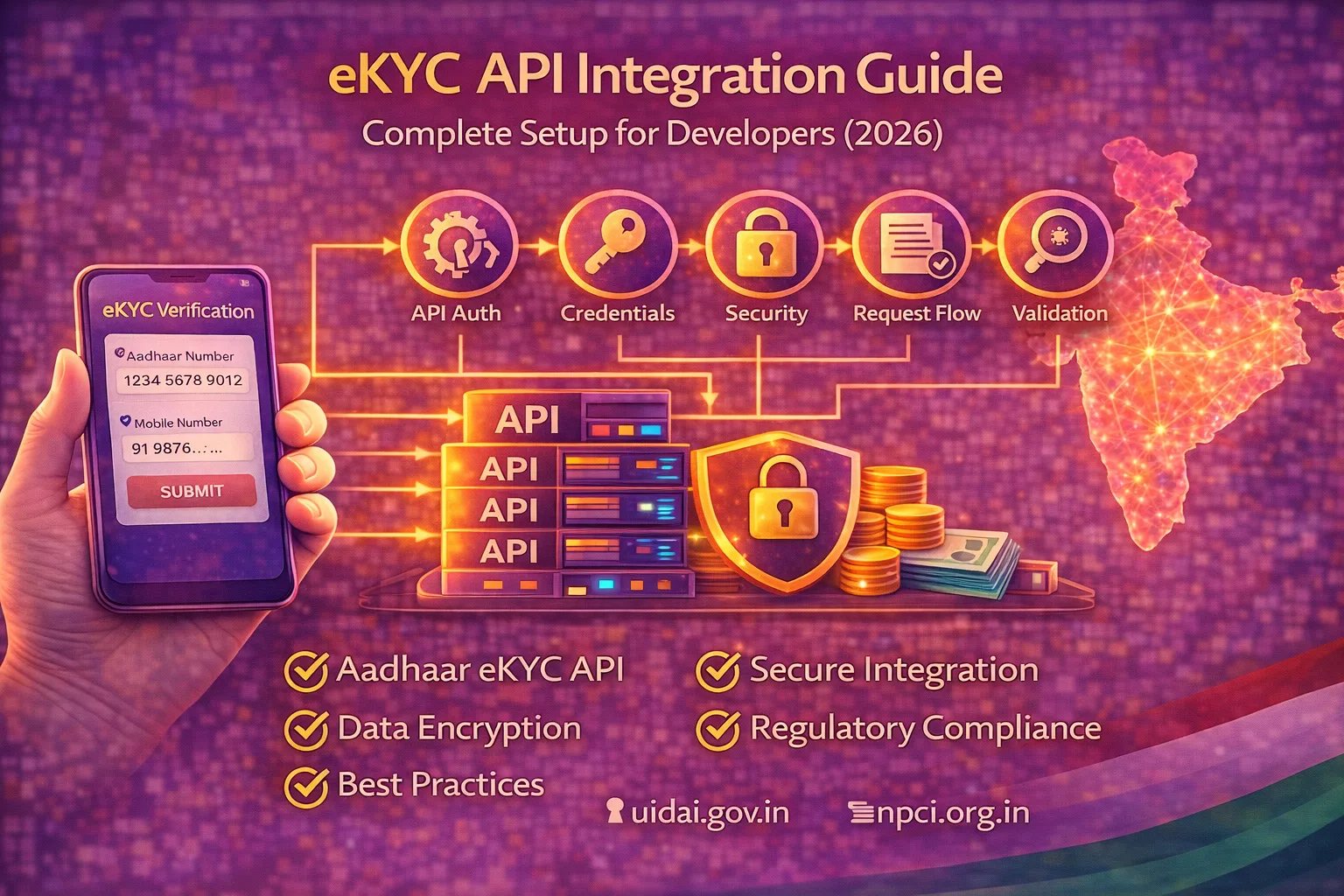
This eKYC API integration guide helps developers and businesses understand how to implement digital identity verification into their applications. eKYC APIs enable fast, secure, and paperless customer onboarding.
In India, digital KYC has become a standard requirement across fintech, banking, telecom, and government services. By following a structured eKYC API integration guide, businesses can reduce onboarding time, improve compliance, and enhance user experience.
Inbound Link:
API Marketplace
What is eKYC API
An eKYC API is a digital interface that allows applications to verify a user’s identity electronically using official data sources.
It typically provides:
- User identity verification
- Demographic data (name, address, DOB)
- Photo and basic details
- Authentication status
Most eKYC services in India are powered by Unique Identification Authority of India.
Outbound Link:
UIDAI
Types of eKYC APIs
Aadhaar eKYC API
Provides real-time identity verification using Aadhaar authentication.
Offline eKYC API
Allows users to upload encrypted XML or QR data for verification without real-time API calls.
Video KYC API
Used for live identity verification through video interaction.
Document-Based eKYC API
Verifies identity using PAN, driving license, or other documents.
Why Use eKYC API
Faster Onboarding
Reduces customer verification time from days to seconds.
Paperless Process
Eliminates physical documentation.
Regulatory Compliance
Helps meet KYC and identity verification requirements.
Improved User Experience
Simplifies the onboarding process.
How eKYC API Works
Step-by-Step Flow
- User enters Aadhaar or identity details
- System sends request to eKYC provider
- User completes authentication (OTP/biometric)
- eKYC system verifies data
- Verified data is returned to the application
- Application stores and processes the result
Key Components of eKYC API Integration
API Authentication
Secure access using API keys, tokens, or credentials.
Data Encryption
Protects sensitive user information during transmission.
Request Handling
Processes user data and sends it to the API provider.
Response Processing
Extracts and uses verified user information.
Audit Logs
Stores verification records for compliance and tracking.
Step-by-Step eKYC API Integration Guide
Step 1: Choose an eKYC Provider
Select a provider based on:
- Compliance support
- API documentation
- Security standards
- Response speed
- Integration support
Inbound Link:
Contact us
Step 2: Get API Credentials
After onboarding, you will receive:
- API key
- Client ID
- Secret key
- Sandbox access
Step 3: Set Up Development Environment
Prepare:
- Backend server
- API testing tools (Postman)
- Secure credential storage
- Database for storing results
Step 4: Implement Authentication
Configure API authentication method:
- Token-based authentication
- Header-based authorization
- IP whitelisting
Step 5: Build User Input Flow
Allow users to enter:
- Aadhaar number
- Mobile number
- Identity details
Ensure proper validation before sending requests.
Step 6: Integrate eKYC API
Connect your system with API endpoints:
- Identity verification
- OTP request
- OTP verification
- Data fetch
Map request and response properly.
Step 7: Handle Response Data
Extract important fields:
- Name
- Address
- DOB
- Photo
Store securely and use for onboarding.
Step 8: Add Security Measures
Ensure:
- HTTPS encryption
- Secure credential storage
- Input validation
- Access control
Outbound Links:
Reserve Bank of India
NPCI
Step 9: Test in Sandbox
Test scenarios:
- Valid verification
- Invalid data
- OTP failure
- Timeout handling
- API error response
Step 10: Go Live
Switch to production environment and monitor:
- API response time
- Success rate
- Error logs
- User onboarding flow
Security Best Practices
Encrypt Sensitive Data
Always use encryption for data transmission.
Validate Inputs
Prevent invalid or malicious data from reaching APIs.
Protect API Keys
Store keys securely on the server side.
Maintain Logs
Track all verification requests and responses.
Use Role-Based Access
Limit system access based on roles.
Compliance Considerations
eKYC integration must follow:
- KYC regulations
- Data privacy rules
- User consent requirements
- Secure data storage practices
Common Challenges in eKYC Integration
API Errors
Incorrect request formatting or authentication issues.
OTP Failures
Network or user-side issues.
Data Mismatch
Incorrect user input may cause verification failure.
Integration Complexity
Requires technical expertise and compliance understanding.
Use Cases of eKYC API
Fintech Apps
Customer onboarding and verification.
Banking
Account opening and KYC compliance.
Telecom
SIM activation and identity verification.
Insurance
Policy onboarding and verification.
Government Services
Identity validation for schemes and services.
Inbound Links:
API Marketplace
API Marketplace
Benefits of eKYC API Integration
- Faster onboarding
- Reduced operational cost
- Better compliance
- Improved user trust
- Scalable verification system
FAQs
What is eKYC API
It is a system that verifies user identity digitally using official data sources.
How does eKYC API work
It verifies identity through authentication and returns verified user data.
Is eKYC API secure
Yes, it uses encryption and authentication mechanisms.
Who can use eKYC API
Fintech companies, banks, telecom providers, and government agencies.
Conclusion
This eKYC API integration guide shows how businesses can implement secure and efficient identity verification systems. With the rise of digital services, eKYC has become essential for onboarding and compliance.
By following best practices and choosing the right provider, businesses can build scalable, secure, and user-friendly verification systems.
Inbound Link:
API Marketplace